Desktop, mobile and remote Claws share one entry for setup, execution and human takeover.
Remote AI Operations Layer
Put AI engineering workflows on every machine you own
MyClaws connects Claude Code, Codex and your preferred LLM stack to desktop, mobile and the real hosts you already operate—one surface to orchestrate many machines, parallel subagents and long-running tasks that survive when you leave your desk.
Coordinate multiple real machines
Execute with real permissions
Compose Agent / Skill / MCP / Trigger
Keep desktop and mobile in one flow
Multi-Claw
Subagents
Trigger
Memory
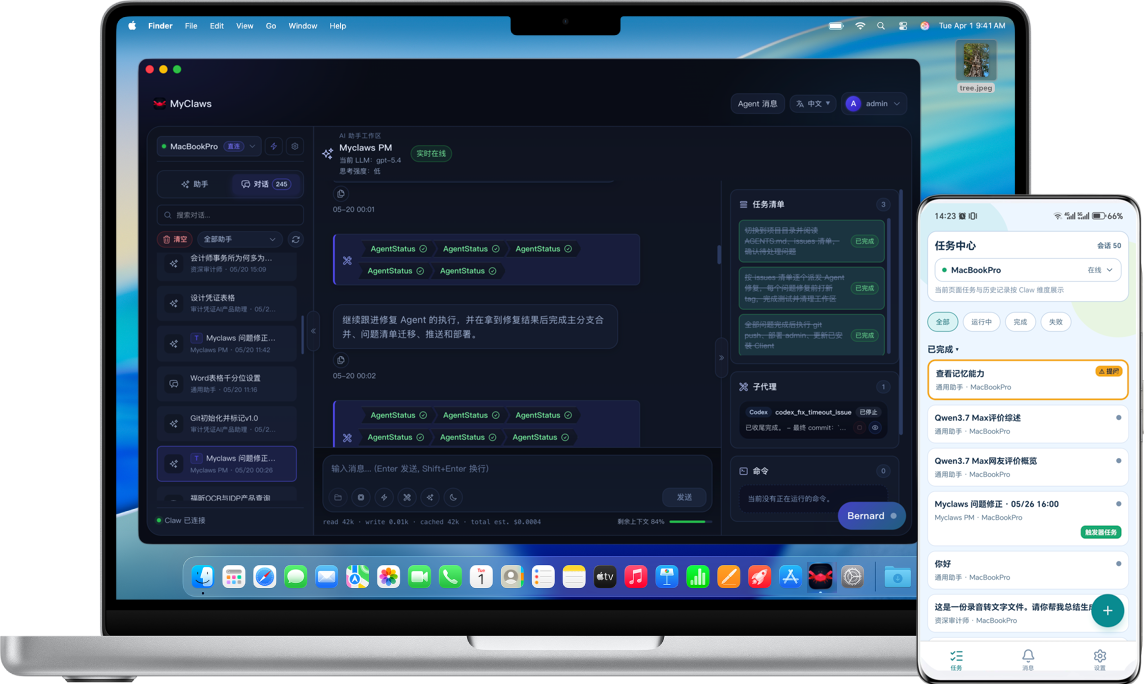
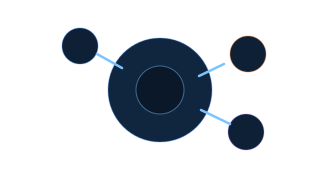
One conversation entry to switch Claws, inspect subagents, revisit memory and catch mobile notifications.
Claw uses the files, network, runtime and toolchain your host already provides — no extra abstraction layer in the way.
Let different Agents choose Claude Code, Codex or another provider based on task difficulty instead of one fixed stack.
Subagents, mobile push and cross-conversation memory turn long-running work into something you can pause, resume and delegate.
Why it exists
This is not “another chat box”—it brings real engineering workflows into AI
The painful parts in day-to-day work should not stay glued together by SSH, copy-paste and memory.
Too much SSH hopping
Company servers, cloud VMs and a home Mac mini all live in different places, each with its own environment and context.
Codex and Claude Code live in separate windows
Architecture happens in one place, implementation in another, and you become the human middleware carrying context around.
Tasks pause when you leave your desk
If an Agent needs a decision halfway through the night, the work stops unless there is a message center and mobile continuation path.
New conversations forget the last one
Important project constraints get restated over and over again unless the system carries memory between sessions.
Three pillars
Move from “it can run” to “it can collaborate”
Three layers do most of the heavy lifting — multi-host orchestration, subagent coordination and cross-session continuity.
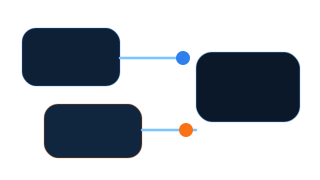
One surface for every Claw
Connect Windows, macOS and Linux hosts, then choose the best execution environment per task instead of staying locked to one machine.
- Client's Add Claw button configures SSH and installs remotely
- Scripted install is still available for batch onboarding
- Direct links fall back to a mirror so install does not stall
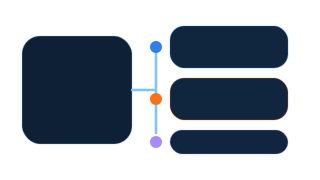
Let architecture, coding and review run in parallel
Claude Code, Codex, Conversation Agents and an Orchestrator can split the work instead of collapsing everything into one giant thread.
- Assign different roles to different agents
- Resume and merge subagent results into the main thread
- Better fit for long, staged work
Let the system remember instead of repeating yourself
clue / dream / layered memory indexes preserve project context, host habits and user preferences for later work.
- Recall context across sessions
- Preserve host and project-specific details
- Carry forward important constraints
Workflow stories
Start by reading how the workflow actually behaves
Not just concepts — concrete operating patterns you can copy.
Run diagnostics on a cloud host, patch from your office Mac
Let a remote Linux Claw handle checks while your main desktop stays focused on patching and review.
Read the full scenario →Split design and implementation instead of manually carrying context
Keep the main thread for control and let Codex / Claude Code do specialized work in parallel.
Explore subagent capabilities →Schedule work at night and wake a human only when needed
Use Cron / Webhook / SDK triggers so Agents start themselves and page you only when the workflow needs a decision.
Open Trigger docs →Compatibility matrix
Desktop, mobile and execution nodes can live on different machines
The point is not for one client to do everything, but for each surface to stay strong at its job.
| Surface | Best at | Typical moment |
|---|---|---|
| Desktop Client | Long-running control / host switching / deep review | Main work desk |
| Mobile Client | Notifications / acknowledgements / task board | Away from the desk |
| Claw node | Actual Bash / files / network / toolchain execution | Where the work truly runs |
CLI Proof
Install commands stay visible and explicit
You can see exactly what you are about to run. Prefer a GUI? The Add Claw button inside Client does the same thing for you.
Bash
Trigger
Memory
$ curl -fsSL https://myclaws.ai/install/claw.sh | bash
$ # Connect the first Claw to Admin
$ # Then choose an Agent and an LLM Connection to start the first conversation
Start here
Connect your first Claw, then grow the system with docs
If you only do one thing today, download the Client, attach one Claw and ship your first message. Add Skill / MCP / Trigger / Memory afterwards.