Windows Client
Best for long-running control and multi-host switching. Use the Add Claw button to bring new machines online.
DownloadDownload & install
Client is what you operate, Claw is what runs on the real host. Install the Client first, then use the Add Claw button to bring your first execution node online.
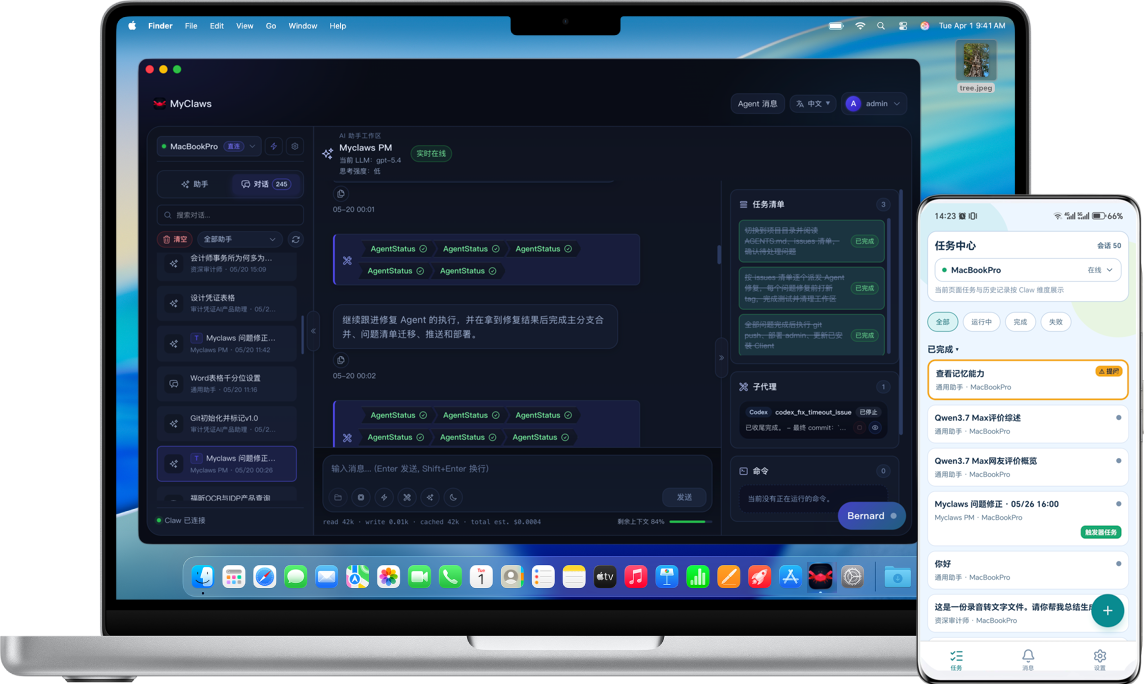
Desktop downloads, mobile download and Claw install commands — all on one page, copy and go.
Client
Desktop is built for long-running control and multi-host switching; mobile is for continuity and confirmation away from your desk. Direct links fall back to a mirror automatically if unavailable.
Best for long-running control and multi-host switching. Use the Add Claw button to bring new machines online.
DownloadSelects the right Apple Silicon or Intel artifact automatically — install and go.
DownloadBest when you need message center, notifications and continuity away from your desk.
DownloadClaw install
For most setups the easiest path is the Add Claw button in Client — it handles SSH and remote install for you. The commands below are for batch onboarding, CI/CD pipelines or hosts where you cannot open the desktop Client.
macOS / Linux
Use this for Linux VMs, home Mac minis and any persistent Unix-like host.
Windows
Recommended for Windows administrators and remote desktop environments.
Windows
Keep this for environments that must stay on classic CMD entry points.
What you install
The whole system is just these three parts. Once you know who does what, the rest of the docs read much faster.
The desktop or mobile surface where you start work, switch Claws, inspect state and take over manually.
The execution backend installed on a real host, using that host’s files, network, tools and permissions.
The coordination layer for accounts, configuration and message relay that ties Client, Claw and mobile push together.